
Secure Data Destruction in Bengaluru: How Businesses Can Protect Confidential Information Before Disposing of Old IT Assets
Your Old IT Equipment May Be Retired. Your Data May Not Be.
Every laptop replacement, server upgrade and office relocation creates a hidden responsibility: protecting the information stored on retired IT equipment.
Old devices may contain business documents, employee information, customer records, emails, financial files and confidential project data. Simply deleting files or formatting a drive should not be treated as proof that sensitive information has been securely destroyed.
For businesses in Bengaluru, secure data destruction should be a planned part of IT asset disposal—not an afterthought.
Recyclicaa Private Limited helps businesses manage end-of-life IT assets through secure data destruction and responsible e-waste recycling, subject to the agreed project scope.
What Could Be Left Behind on Your Old Devices?
Your retired equipment may contain more than you think.
- Corporate laptops: Business documents, saved credentials and local files.
- Desktop computers: User information, operational records and stored applications.
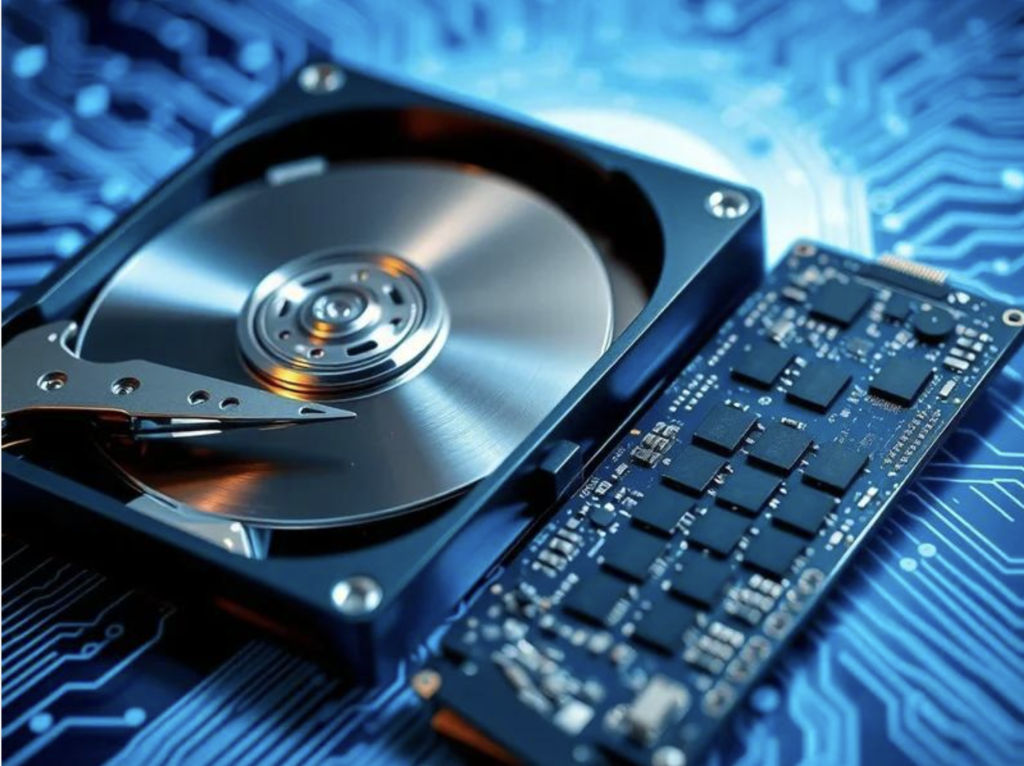
- Hard disk drives (HDDs): Data stored on magnetic disks.
- Solid-state drives (SSDs): Data stored in flash memory.
- Servers and storage devices: Business-critical records and shared information.
- Damaged or non-working devices: Storage media that may still require secure handling.
Important: A device that no longer switches on is not necessarily a device that no longer contains data.
Data Wiping vs. Physical Destruction: Which Is Right for Your Business?
Choosing the right method depends on the storage technology, device condition, security requirements and whether the equipment needs to be reused.
1. Secure data wiping
Data wiping uses appropriate software to sanitize supported storage media. Where successful and properly verified, it may allow eligible equipment to be considered for reuse or refurbishment.
Best suited to: Compatible working devices that may be reused, resold or redeployed.
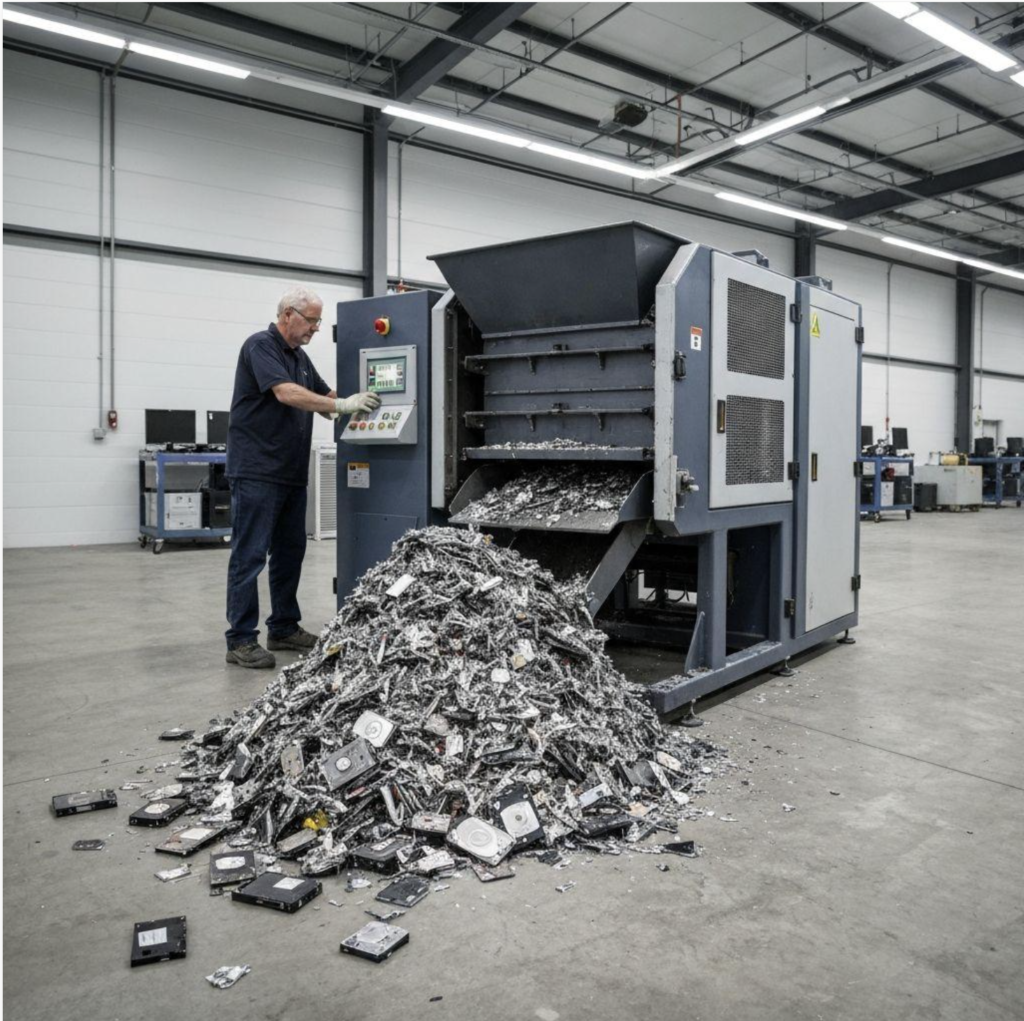
2. Physical destruction of storage media
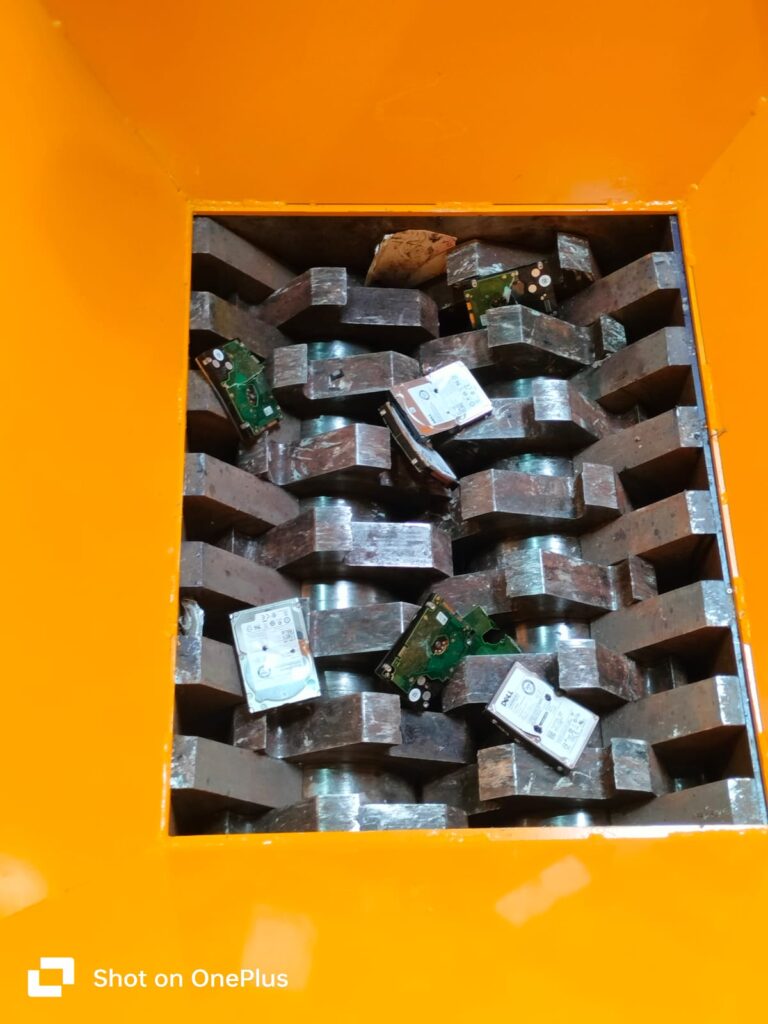
Physical destruction damages the storage medium so it cannot be used normally. The method must be suitable for the specific media and the organisation’s security requirements.
Best suited to: Drives or storage media that must be physically destroyed, including certain failed or non-reusable devices.
3. Failed drives and non-working equipment
If a drive cannot be reliably wiped, do not assume that running a standard software process is sufficient. The appropriate next step may involve specialist assessment and physical destruction of the storage media.
The right approach: Identify each storage device, decide on the required method, execute the process and retain the relevant records.
HDD vs. SSD: Why the Difference Matters
Hard drives and solid-state drives use different storage technologies. A process suitable for one type of drive may not be suitable for another.
| Storage type | What businesses should consider |
|---|---|
| HDD | Select a suitable wiping or physical destruction method based on the security requirement. |
| SSD | Use a method appropriate for flash storage; do not assume magnetic degaussing will work. |
| NVMe storage | Confirm the exact device and choose a compatible sanitization or destruction method. |
| Failed storage device | Assess whether successful sanitization is possible; consider physical destruction when required. |
| Onboard laptop storage | Check the device design and select a suitable sanitization or destruction process. |
A responsible data destruction partner should be able to explain the chosen method and document the work performed.
What Does a Corporate Data Destruction Process Look Like?
<em>From asset identification to final documentation, each step should be planned before the equipment leaves your premises.</em>
Step 1 — Asset identification
Prepare an inventory of laptops, desktops, servers, HDDs, SSDs and other storage devices. Record serial numbers wherever applicable and maintain an agreed asset register.
Step 2 — Select the destruction method
Decide whether each eligible device requires software-based sanitization, physical destruction or further assessment. Consider your internal IT security policy and applicable contractual requirements.
Step 3 — Arrange secure handling and collection
Agree on collection dates, access permissions, packaging, transport arrangements and the responsibilities of each party.
Step 4 — Perform the agreed process
Carry out the approved wiping or physical destruction process. Where the project requires it, arrange on-site execution or off-site processing in advance.
Step 5 — Maintain records and issue documentation
Request records that match the work performed, such as an asset-level destruction report, a certificate of data destruction where applicable, and relevant e-waste disposal documentation.
Step 6 — Complete responsible recycling
After the required data security process, route the equipment and materials for reuse, recovery or recycling as appropriate.
The Corporate Data Destruction Checklist
Before appointing a vendor, make sure your organisation has considered these questions:
- Has the inventory of retired IT assets been prepared?
- Have HDDs, SSDs and other storage devices been identified?
- Has the required wiping or physical destruction method been agreed?
- Are collection, transport and custody responsibilities documented?
- Will serial numbers or other asset identifiers be recorded where applicable?
- What reports and certificates will be provided?
- Has the recycler’s relevant authorisation and documentation been checked?
- Has the final recycling or recovery process been clarified?
This checklist can help IT, procurement, facilities and compliance teams prepare for a smoother asset retirement project.
Looking for Secure Data Destruction in Bengaluru?
Whether your organisation is replacing employee laptops, decommissioning servers, clearing an office or retiring a batch of storage devices, the process should match your security requirements and disposal scope.
Recyclicaa Private Limited supports corporate IT asset disposal, data destruction and e-waste recycling requirements. Service arrangements, execution location and documentation should be confirmed against your project before collection.
Planning to dispose of old IT assets?
Share your approximate quantity, equipment types and Bengaluru location to discuss the appropriate process and quotation.
RECYCLICAA PRIVATE LIMITED
Need Secure Data Destruction in Bengaluru?
Planning to dispose of old laptops, hard drives, SSDs or corporate IT assets? Contact our team to discuss your requirements, service arrangements and a suitable quotation.
Contact For Data Destruction
Recyclicaa Private Limited
Corporate IT Asset Disposal · Secure Data Destruction · E-Waste Recycling
Frequently Asked Questions
1. Is deleting files enough before disposing of a company laptop?
Not necessarily. Ordinary deletion or formatting may not provide sufficient assurance that sensitive information has been sanitized. Choose a method appropriate for the device and your security requirements.
2. Can data be destroyed if a laptop does not work?
Potentially, yes. The storage device should be assessed separately. Depending on its condition and design, physical destruction may be an appropriate option.
3. Is wiping better than shredding?
Neither is universally better. Verified sanitization may preserve a device for reuse, while physical destruction is suitable when the storage medium must be destroyed. The choice depends on the media and the required security outcome.
4. Should businesses ask for a Certificate of Data Destruction?
Where applicable to the agreed service, a certificate or report helps document the process. Ask what it covers, whether devices are identified individually and whether the records reflect the actual work performed.
5. Can Bengaluru businesses arrange bulk IT asset disposal?
Corporate collections may be arranged subject to location, equipment quantity, project requirements and service availability. Confirm the collection plan, processing arrangements and documentation with the provider before scheduling.
6. What happens to equipment after data destruction?
Depending on its condition and the agreed process, equipment may be considered for reuse, refurbishment, component recovery or responsible recycling.
Protect Your Data Before You Retire Your IT Assets
A well-planned IT retirement process helps businesses address data security, asset accountability and responsible disposal together.
Contact Recyclicaa Private Limited to discuss secure data destruction and corporate IT asset disposal for your Bengaluru requirements.
Related reading: IT Asset Disposal in Bengaluru: A Complete Guide for Businesses